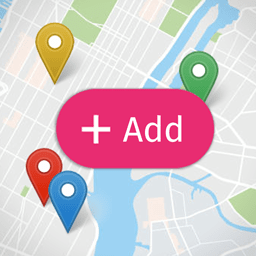
If you prefer the “Add Location” button to remain fully expanded (as it appears on hover), you can apply the following custom CSS:
CSS
.open-user-map .box-wrap .map-wrap .open-add-location-overlay {
    width: 158px;
}

.open-user-map .box-wrap .map-wrap .open-add-location-overlay span.btn_text {
    opacity: 1;
}
This ensures the button remains fully visible at all times, improving accessibility and making it more prominent for your users.
