Travel & outdoor
Discover your next favorite spot.
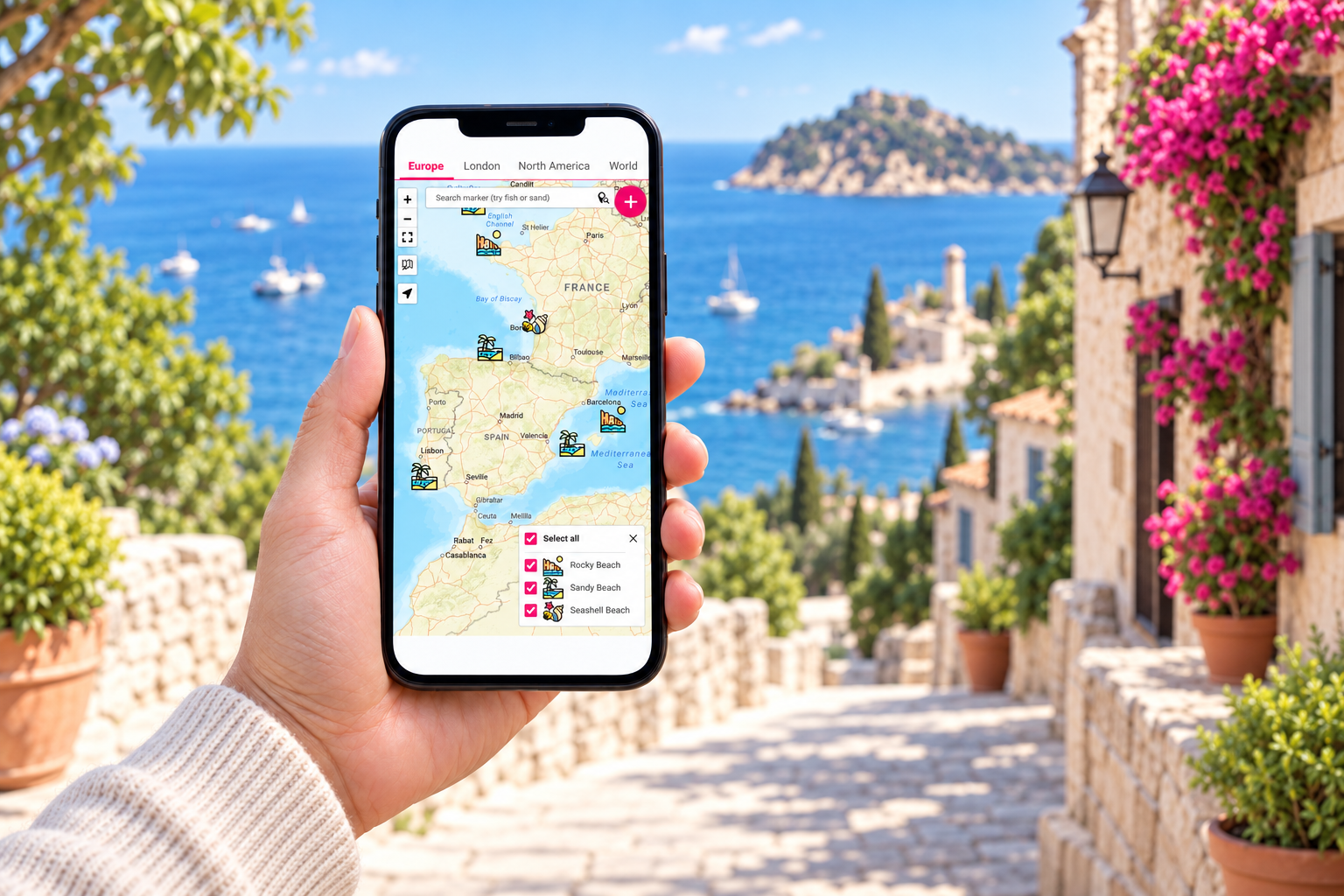
Explore beaches, trails and hidden gems, with practical tips shared by people who know them.
Explore surf spotsWordPress Map Plugin
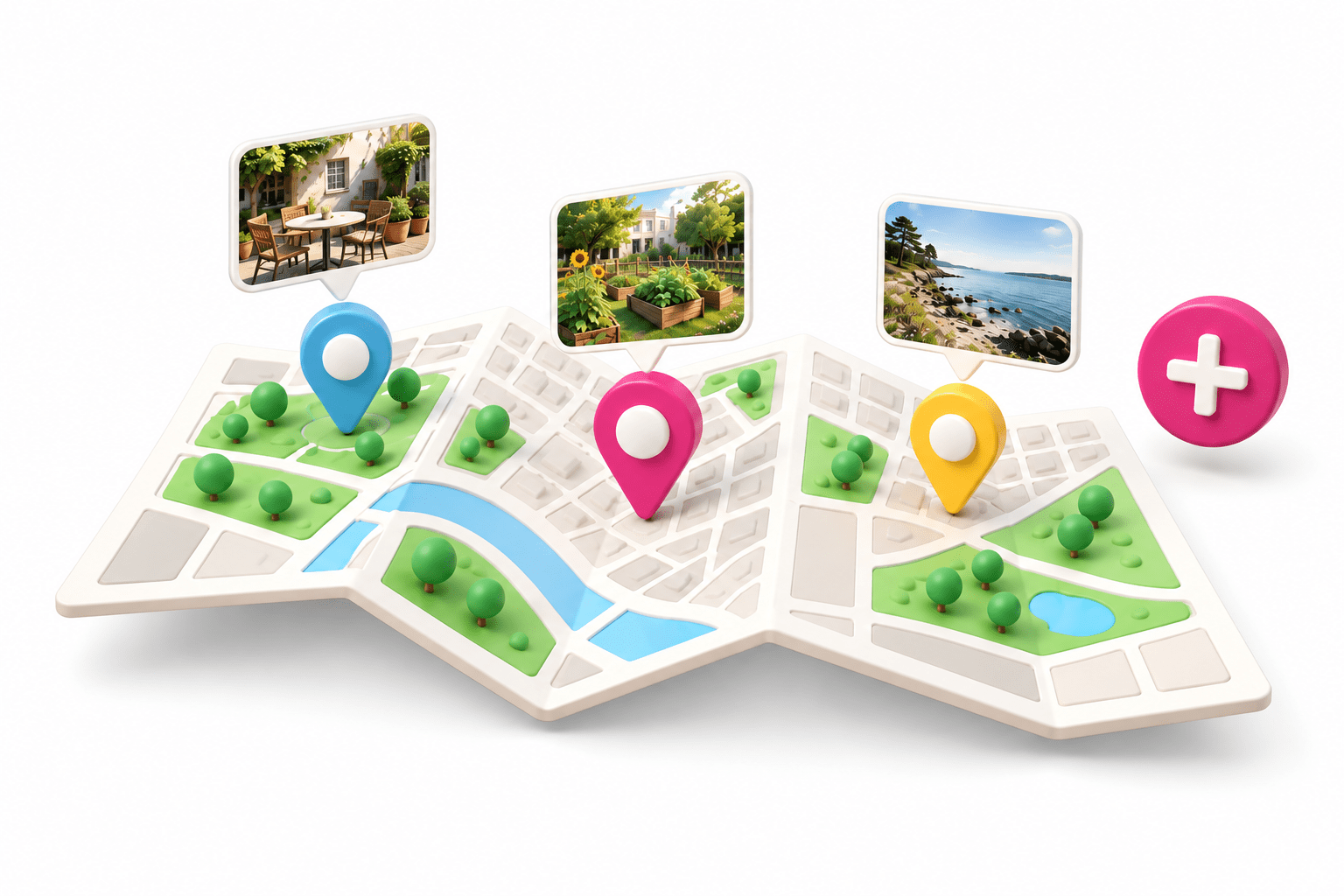
Create beautiful WordPress maps with your own locations, photos and details. Let visitors contribute if you choose. No Google Maps API key needed.
Prefer to start with the free version? Download it on wordpress.org.
From the people using our products
We put the same care into our support as we do into our software. The WordPress community has rewarded that commitment with 100% five-star reviews.
“Plugin is great does the job extremely well, support is great and very fast”

“Love this plugin, and the support has not been bettered by anyone ion the WordPress community.”

“The plugin is easy to implement, flexible and intuitive, and the support is excellent.”

Made for the real world
Favorite places. Local connections. Knowledge worth sharing. Turn them into a map people can use, wherever they are.
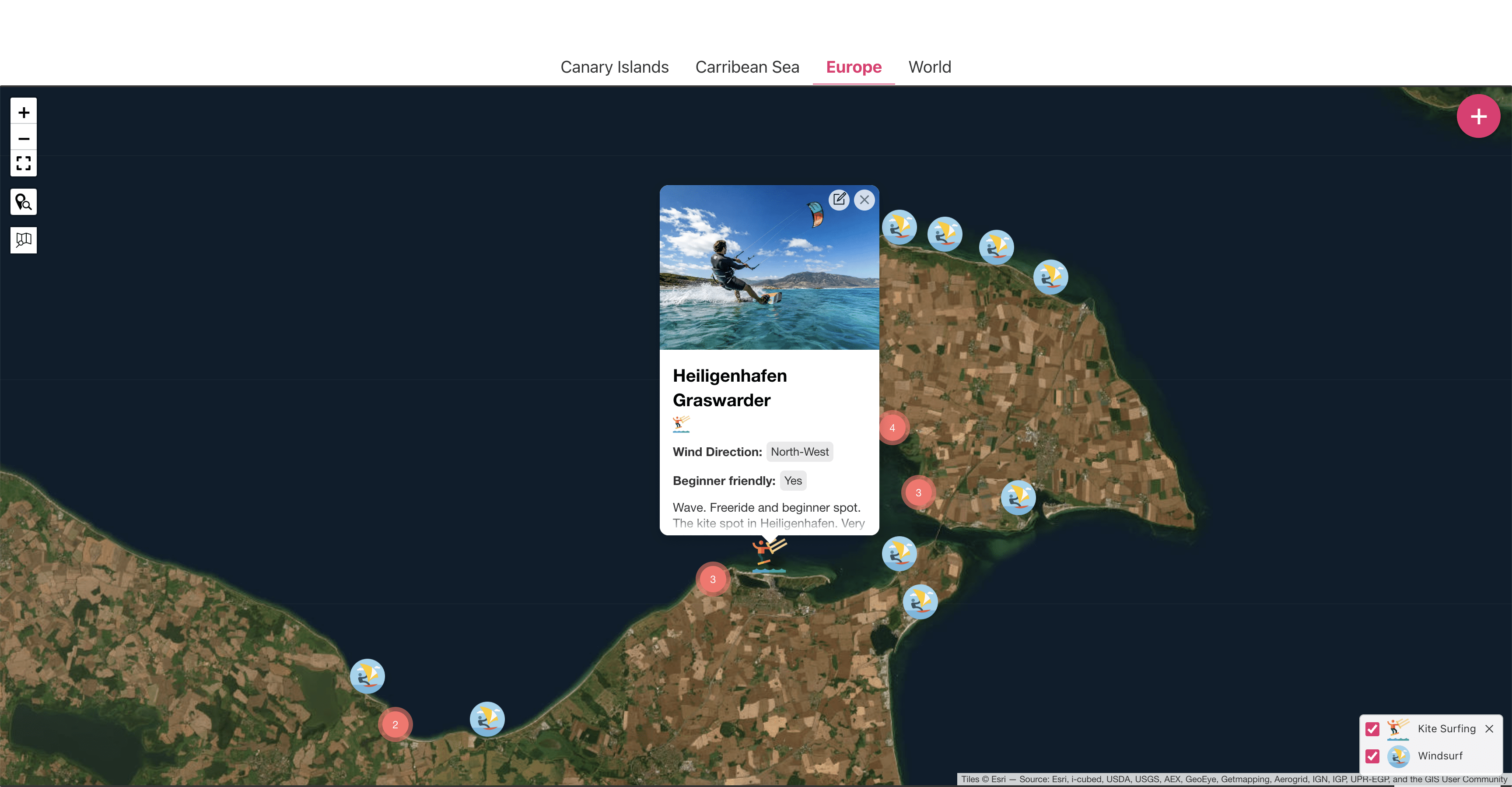
Travel & outdoor
Explore beaches, trails and hidden gems, with practical tips shared by people who know them.
Explore surf spots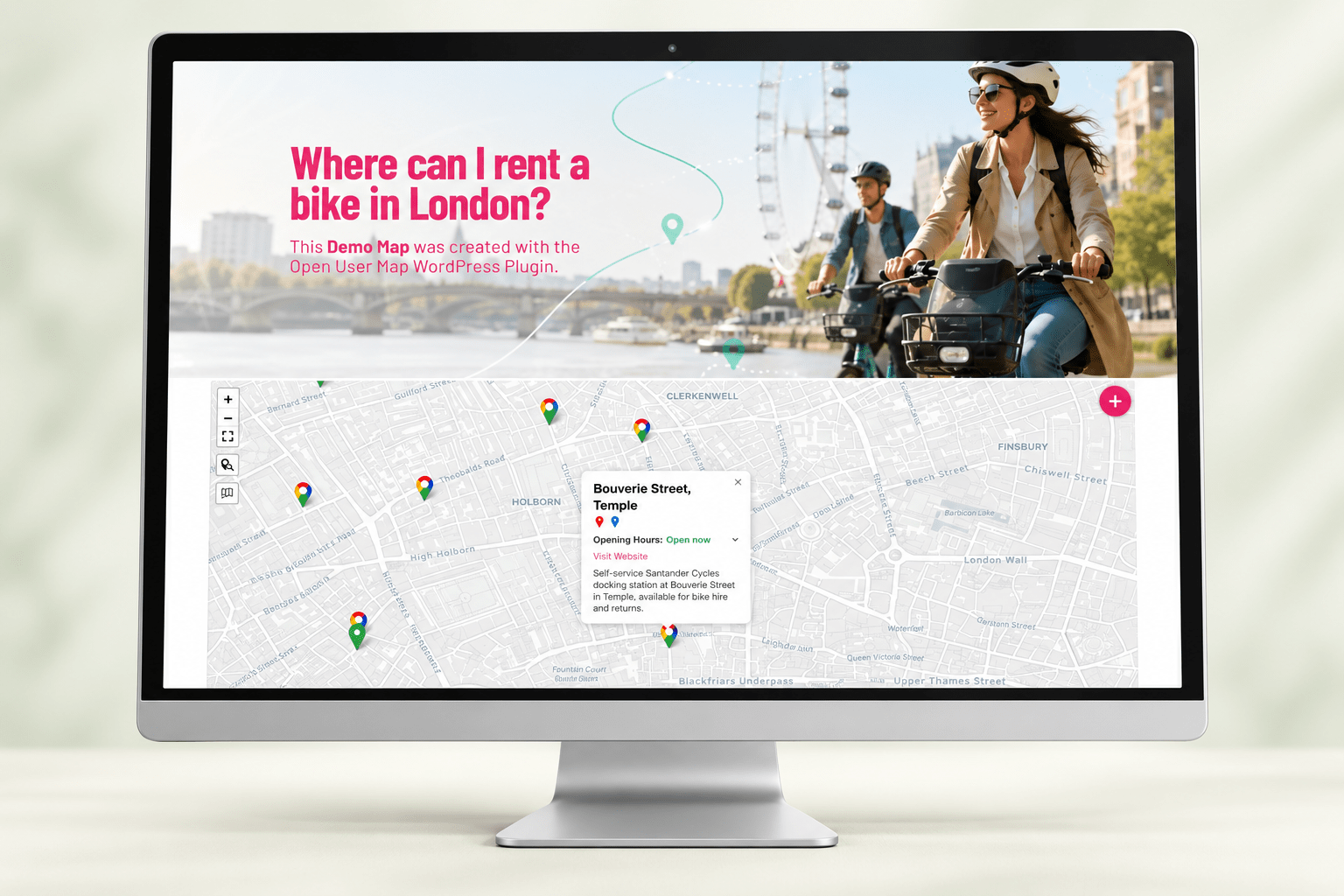
Urban mobility
Help visitors find nearby bike rentals and sharing stations, so they can get moving faster.
Explore bike rentals
Community projects
Bring local tips and useful resources together, with new places contributed by your community.
Try a community map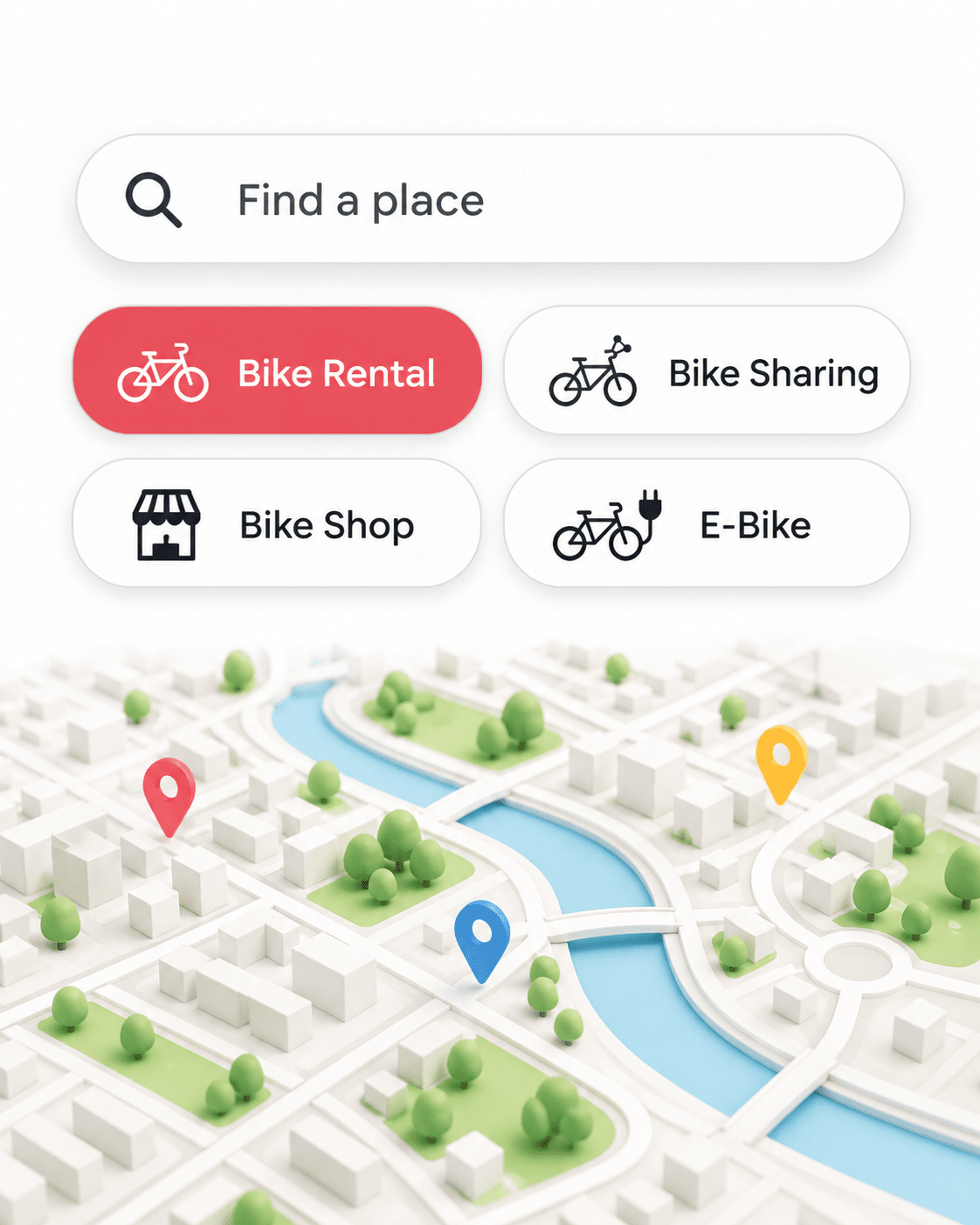
Directories & networks
Connect businesses, organizations and local groups, with filters that help visitors find the right match.
Explore map filters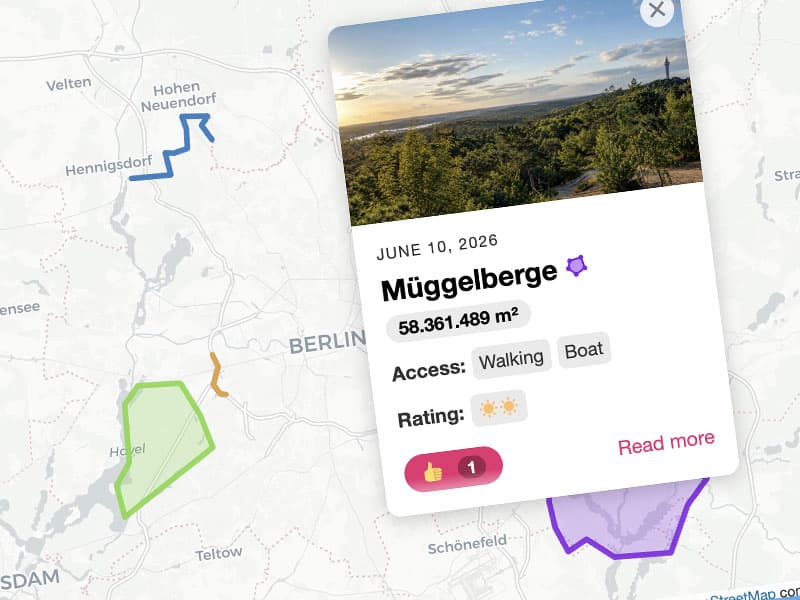
Routes & local areas
Bring trails, event grounds and neighborhoods to life with routes and clearly marked areas.
Explore lines & areas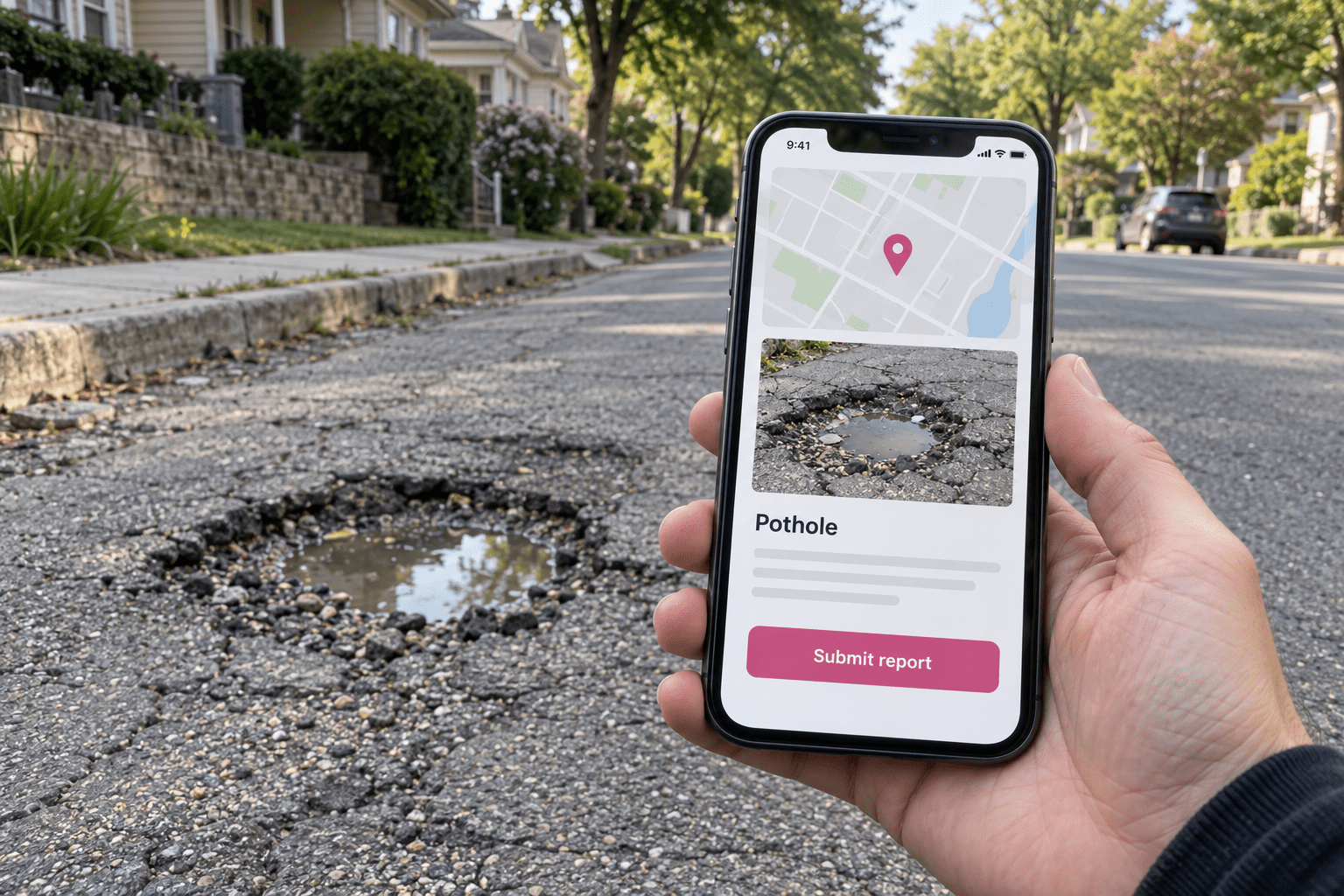
Civic issue reporting
Let residents report potholes, dumped rubbish and damaged public spaces, with photos and a location.
Try reporting a place
Sound maps
Collect field recordings, local voices and soundscapes, so visitors can explore places through sound.
Try a location with audioSimple to start. Room to grow.
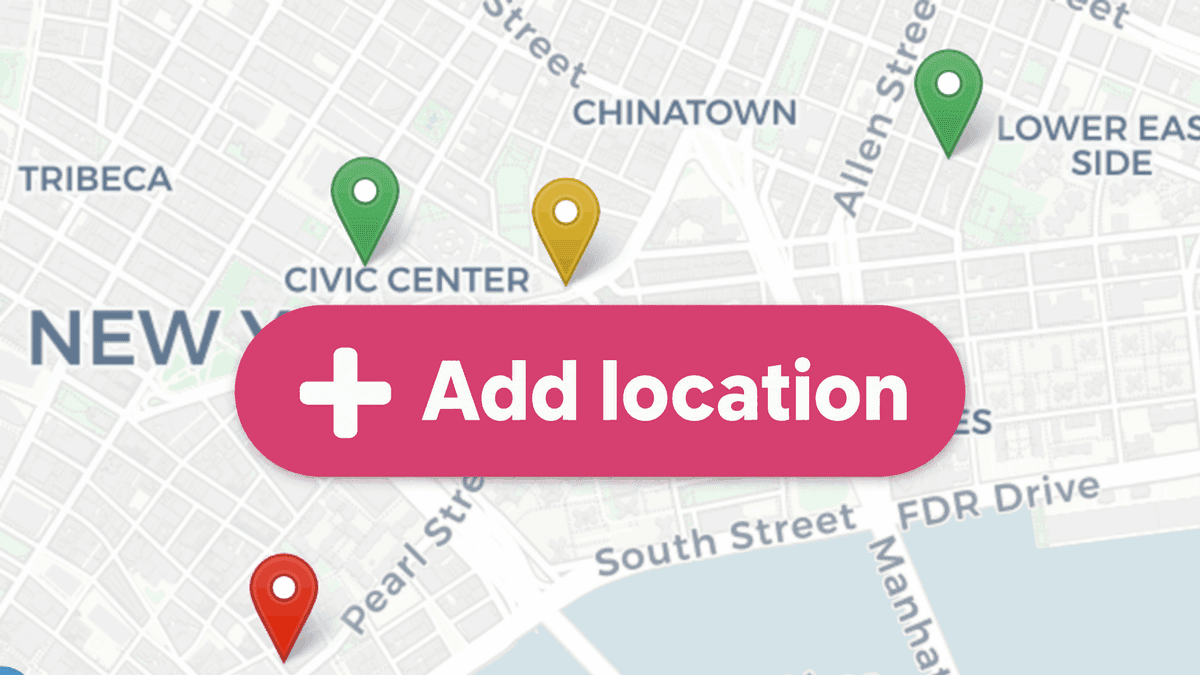
Let visitors submit locations, photos and details directly on your map, without WordPress admin access. Review and approve submissions before they appear.

Customize the look of your map and markers. Choose from multiple map styles, including fast vector maps that need no API key or registration.
Add interactive markers to a floor plan, event layout or campus guide. Keep custom fields and filters.
Explore custom image maps
Add likes, upvotes and 1–5 star ratings. Let visitors share their opinions and highlight favorite places.

Organize markers into categories with their own icons. Let visitors filter by category or use the Advanced Filter Sidebar to filter by your custom fields.
Try advanced filtersDraw routes, trails and areas. Highlight event grounds, neighborhoods and the places that matter.
See lines & areasFrom frontend submissions to advanced search, map customization and WordPress-friendly workflows — Open User Map gives you everything you need to build collaborative maps.
FREE and PRO badges show which version includes each feature. For current technical requirements, visit Open User Map on WordPress.org.
See it in action
Watch how to add Open User Map to your WordPress website and get started with your own map.
Try the live demoFree to start. PRO when you need it.
Try all PRO features for 7 days without a credit card, or start with the free version.
For your first community map.
$0 free plugin
More tools for your growing project.
$39.99 / yearfrom 1 website
Price shown for 1 website. Choose a license for 1, 4 or 10 websites at checkout. Renews automatically each year. Price excludes taxes.
One payment for your long-term project.
$279.99 / oncefrom 1 website
Price shown for 1 website. Choose a license for 1, 4 or 10 websites at checkout. One-time payment. Price excludes taxes.
Why go PRO?
When your idea grows, PRO gives you the tools to take it further.
Explore the full feature list
Let people update their own places and keep them in the loop with approval emails. More shared knowledge, less chasing updates.
Help visitors discover more with advanced filters, ratings and richer location details. Map routes, areas or even your own image.
Bring existing locations with you using import and export. Get direct developer support, plus access to future PRO features.
Common Questions
A few things to know before building your first map.
The PRO trial ends automatically after 7 days. No credit card is required and it does not turn into a paid subscription automatically. You can choose a PRO license when you are ready.
No. The default map setup works without a Google Maps API key or Google billing account. Optional third-party providers may have their own requirements. Compare the setup with Google Maps.
Yes. Review and approve visitor submissions in WordPress. With PRO, you can also enable selected automatic publishing workflows and email notifications.
Use the included Gutenberg block, Elementor widget or shortcode. You do not need to write code.
Watch the getting-started video for a walkthrough.
Both include the same PRO features and direct developer support. Prices shown are for one website; you can choose a multi-site license at checkout. Annual renews automatically each year; Lifetime is a one-time payment with lifetime updates and support. The displayed PRO prices exclude taxes.
Visit the support section for guides and help. PRO includes direct developer support. For requirements beyond the plugin, explore custom development.
Your next map starts here
No credit card. No automatic subscription.
Need a hand? Find answers or contact support.